
Transcript · intent · hook
#1 AI VIDEO CLIPPING WORKSPACE
Turn any footage into clips that travel.
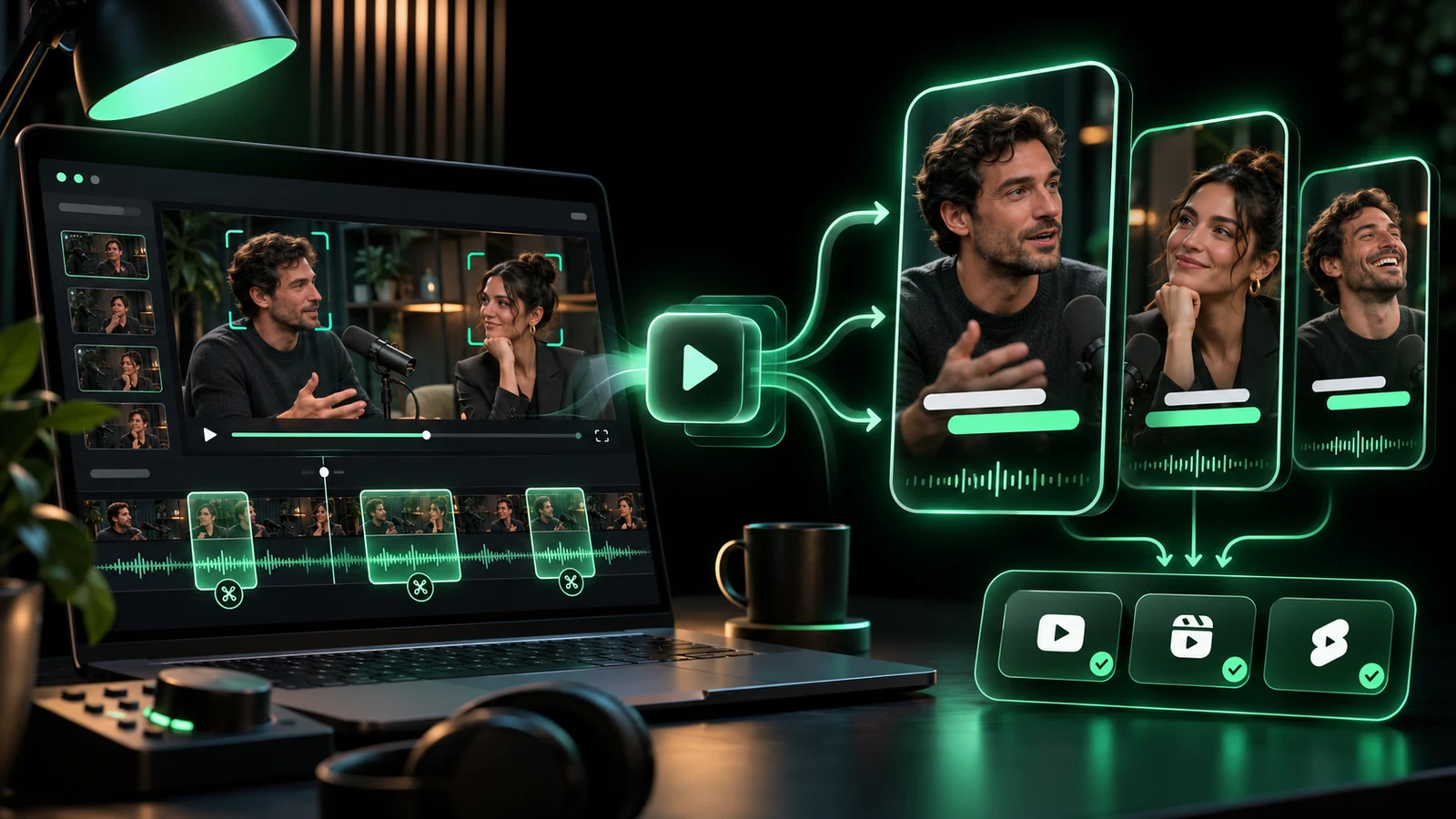
Drop in a podcast, interview, stream or webinar. AI finds the strongest moments, reframes them for vertical video and layers in captions ready for every social platform.
Paid access only. Video processing is simulated in this launch build.
12 clips found
10xFaster edit pass
9:16Auto reframe
AIHook detection
∞Content ideas
LIVE CREATIVE SYSTEM
Find the moment. Keep the context. Publish everywhere.
A strong clip is not just a cut. The workspace keeps speakers framed, captions readable and the story intact.
PodcastsInterviewsWebinarsYouTubeTwitchShortsReelsTikTok
Speaker tracking · safe zones
Vertical reframing
Word-level · animated · editable
Captions that carry
A SHORTER WORKFLOW
One source video, a whole month of posts.
Move from the raw recording to a repeatable short-form workflow without manually scrubbing every minute.
Add the footage
Paste a video link or upload a podcast, interview, stream or long-form recording.
Review AI clips
Choose the moments with the strongest hook, retention and platform fit.
Refine and export
Adjust framing, captions and pacing, then prepare vertical variants for each channel.
BUILT FOR MOMENTUM
An editing copilot for the whole clip workflow.
The system handles the repetitive decisions while the creator keeps control of the final story.
Moment detection
Read the transcript and identify clips with a clear opening and payoff.
Smart reframing
Keep the active speaker visible in vertical and square formats.
Word-level captions
Generate styled captions that stay readable on small screens.
Publishing workflow
Prepare multiple formats without rebuilding the edit each time.
START SOMEWHERE
One recording can feed every platform.
Podcast highlightsFounder interviewsProduct demosWebinar clipsCreator ShortsCourse teasersStream highlightsTestimonialsSocial ads
PAID ACCESS, NO FREE TIER
Choose the pace that fits your work.
Every plan includes the full creative workspace and the simulated priority queue.
Creator
For solo creators publishing every week.
$9.60/mo
$115.20 billed annually- AI clip selection
- Vertical auto-reframe
- Animated captions
- Google account sign-in
- Cancel anytime
Pro
For creators and teams producing a content pipeline.
$23.20/mo
$278.40 billed annually- Everything in Creator
- Longer source videos
- Brand kits and caption presets
- Multi-platform exports
- Priority clipping queue
Studio
For media teams and high-volume publishing operations.
$63.20/mo
$758.40 billed annually- Everything in Pro
- Shared team workspace
- Higher monthly processing limit
- Publishing workflow views
- Priority support
Every plan includes AI clip selection, caption styling and the simulated clipping queue. Prices are in USD. Checkout opens directly on Stripe and renews until cancelled.
QUESTIONS, ANSWERED
Video clipping questions.
What happens after I press Get free clips?
Signed-out visitors are asked to use Google. A signed-in account without a plan continues to pricing. Active members enter the simulated clipping queue.
What source videos are supported?
The launch workflow is designed for uploads and links from podcasts, interviews, webinars, streams and long-form social video.
Does it keep the speaker in frame?
The reframing workflow is designed to track the active speaker and keep captions inside platform-safe zones.
How is billing handled?
Plans open directly on Stripe-hosted Checkout. Card details are entered on Stripe and recurring plans renew until cancelled.